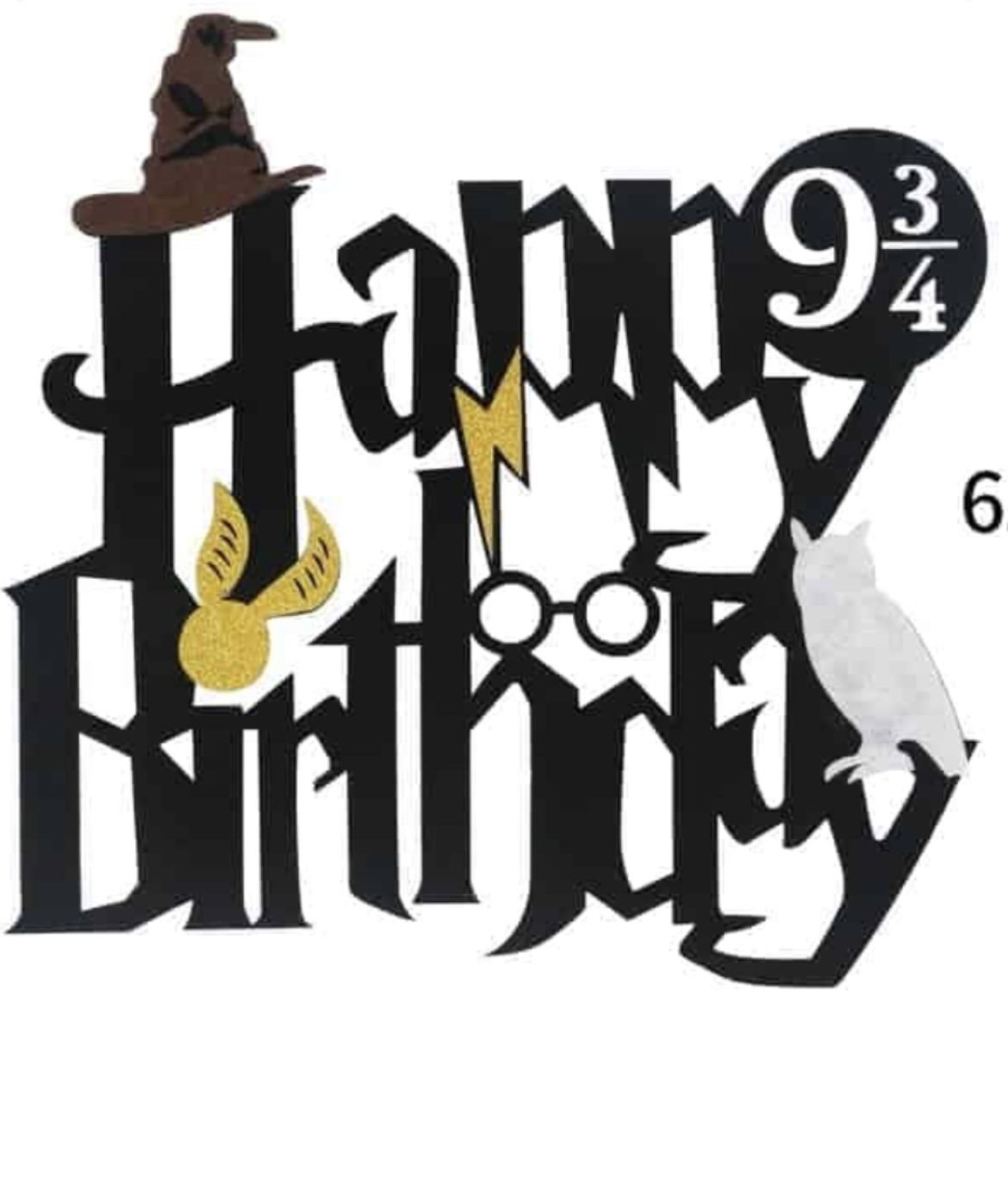
Step into the enchanting world of witchcraft and wizardry not with a spell, but with your words. For fans eager to infuse their digital text with the iconic charm of the Harry Potter universe, a Guide to Using Harry Potter Font Generators is your secret passage to magical writing. Forget plain, muggle fonts – these clever tools allow you to transform ordinary text into something truly extraordinary, evoking the very essence of Hogwarts itself.
Whether you're crafting fan fiction, designing a party invitation, or just want to add a touch of whimsy to your social media posts, a Harry Potter font generator can bring your words to life with a flick of a digital wand. Let's delve into how these generators work, why you'd want to use them, and how to make the most of their enchanting capabilities.
At a Glance: Your Quick Guide to Magical Text
- Instant Transformation: Easily convert your text into various Harry Potter-inspired styles in real-time.
- Unicode, Not True Fonts: These aren't installable .ttf files, but rather strings of special Unicode characters that mimic distinct styles.
- Effortless Copy-Paste: Generate, copy, and paste your magical text anywhere Unicode is supported.
- Boost Your Presence: Add unique flair to social media, invitations, digital notes, and creative projects.
- Avoid "Tofu": Learn why some characters might appear as empty boxes and how to choose compatible styles.
- Free and Accessible: Most generators offer unrestricted access without registration.
The Spell Behind the Style: How Harry Potter Font Generators Work
Before we dive into the "how-to," it's helpful to understand the magic underpinning these tools. When you use a Harry Potter font generator, you're not actually downloading and installing a traditional font file (like a .ttf or .otf). Instead, these generators perform a clever trick: they map your standard Latin letters (A, B, C, 1, 2, 3) to a vast library of Unicode characters.
Unicode is a universal character encoding standard that represents text in virtually all of the world's writing systems. Beyond the basic alphabet, Unicode includes thousands of unique symbols, glyphs, and special characters. Font generators leverage these less common, ornate Unicode symbols that happen to resemble various stylistic fonts – including those inspired by the Harry Potter aesthetic.
Think of it like this: your computer sees the letter 'A'. A standard font displays 'A' as a clean, simple character. A Harry Potter font generator finds a Unicode symbol that looks like a jagged, lightning-bolt 'A' and substitutes it. When you copy this "font," you're actually copying a sequence of these unique Unicode symbols. This is why you don't need to install anything, and why the text appears consistent across different platforms – as long as the receiving system supports those specific Unicode characters.
The "Tofu" Phenomenon: When the Magic Fails
Sometimes, after pasting your newly generated text, you might encounter empty boxes or squares instead of the intended fancy characters. This is affectionately known as the "tofu" phenomenon, because the empty boxes can resemble blocks of tofu.
This happens when the system or application you're pasting into (or the font installed on that system) doesn't have a specific glyph (a graphical representation) for a particular Unicode character. It simply doesn't know how to display it. This is more common on older operating systems or less comprehensive text editors.
How to Fix It:
If you encounter tofu, the simplest solution is to try a different script or style from the generator. Some styles use more widely supported Unicode characters than others. Alternatively, ensure your operating system and applications are up to date, as newer versions generally have broader Unicode support.
Why Wave Your Wand? The Benefits of Distinctive Typefaces
Beyond the sheer fun, employing unique typefaces from a Harry Potter font generator offers several tangible benefits for your communication and creative projects.
Adding Emphasis and Nuance
Just as a powerful spell adds impact, a distinctive font can dramatically alter how your words are perceived. A standard sentence becomes a declaration when rendered in a bold, magic-infused script. This can be perfect for:
- Highlighting key phrases in a presentation.
- Making a title pop in a fan-made poster.
- Drawing attention to an important announcement.
Cultivating Atmosphere and Brand Identity
The Harry Potter universe is rich with iconic visuals, and its typography plays a crucial role in establishing its unique atmosphere. By using a generator, you can instantly transport your audience into that world. This is invaluable for:
- Themed Events: Creating invitations, menus, or place cards for a Harry Potter party.
- Fan Communities: Building a consistent visual identity for fan pages, blogs, or social groups.
- Creative Projects: Setting the mood for a new chapter of fan fiction or a digital art piece.
Refining Your Online Persona
In a digital world saturated with text, standing out is key. A personalized, branded typeface can make your online presence more memorable and engaging. Imagine:
- Social Media Bios: A unique bio that catches the eye and expresses your personality.
- Post Headers: Making your quotes or short statements visually distinct.
- YouTube Channel Art: Infusing your channel with a specific theme.
Improving Document Structure and Visual Hierarchy
Thoughtful typography isn't just about aesthetics; it's about readability and guiding the reader's eye. Distinctive typefaces can help establish a clear visual hierarchy, making your documents easier to navigate. You could use a Harry Potter-esque font for:
- Section Titles: Clearly differentiating between chapters or topics in a fan-written guide.
- Pull Quotes: Highlighting impactful statements within a longer text.
- Call-to-Action Buttons: Making interactive elements more visually compelling.
Your Guide to Using a Harry Potter Font Generator: A Step-by-Step Spell
Ready to infuse your text with a dose of Hogwarts magic? The process is remarkably straightforward, requiring no special skills or arcane knowledge. Most Harry Potter font generators follow a similar, intuitive workflow. Let's walk through it using the common features found in tools like Fontly.io, which excel in ease of use and variety.
1. Visit Your Chosen Generator
Open your web browser and navigate to a reliable Harry Potter font generator website. These are typically free and web-based, meaning you don't need to download any software. If you're ready to get started, you can create your Harry Potter font right now and unleash your inner wizard.
2. Enter Your Desired Text
You'll typically find a prominent text input field. This is where you type or paste the words you want to transform. Whether it's a single word, a full sentence, or even a paragraph, simply enter your text here.
3. Select a Style from the Library
This is where the real fun begins! Most generators offer a diverse library of styles, often exceeding thirty unique scripts. As you type, or after you've entered your text, these generators will often display real-time transcriptions of your input in various styles. Scroll through the options, previewing how your text looks in different magical typefaces. You might find styles inspired by ancient runes, elegant cursive, or the iconic jagged lettering of the official Harry Potter logo.
4. Copy Your Magical Inscription
Once you've found the perfect style that captures the essence you're looking for, simply click a "copy" button or manually highlight and copy the generated text. This text, as we discussed, is now a string of special Unicode characters.
5. Paste Anywhere and Everywhere
With your magical text copied to your clipboard, you can now paste it into virtually any digital environment that supports Unicode characters. This includes:
- Social media platforms (Facebook, X/Twitter, Instagram bios, captions, stories)
- Messaging apps (WhatsApp, Telegram, Discord)
- Email clients
- Word processors (Google Docs, Microsoft Word – though formatting might vary slightly)
- Design software
- Websites and blogs
Key Characteristics of Great Generators (like Fontly.io): - Immediate, Real-Time Transcriptions: See your text transform as you type.
- Extensive Style Library: Over thirty unique scripts means plenty of options.
- Effortless Copying: A single click often does the trick.
- Universal Compatibility: Thanks to Unicode, your text appears consistently across most modern platforms.
- Unrestricted, Free Access: No registration, no hidden fees, just instant magic.
The Original Magic: Dissecting the Harry Potter Logo Font
While generators offer a plethora of styles, many are ultimately inspired by the original, iconic typography of the Harry Potter series. The official Harry Potter logo font holds a special place in the hearts of fans, embodying the very spirit of the books and films.
The font's genesis lies with Mary GrandPré, the acclaimed artist who illustrated the American covers for the Harry Potter books. It was GrandPré who designed the distinctive lettering for Harry Potter and the Sorcerer’s Stone in 1997. This original, hand-drawn font quickly became synonymous with the franchise, eventually being adopted for the movie logo and later a condensed 'HP' version for marketing. Despite these adaptations, GrandPré’s original vision for the font remains the dominant and most recognizable iteration.
What Makes It So Iconic?
GrandPré’s font isn't just text; it's art. Its enduring popularity stems from several unique and deliberate features:
- Jagged Edges: The slightly distressed, irregular edges of the letters suggest ancient parchment, powerful magic, and perhaps a touch of danger.
- Uniquely-Shaped Letters: Each character has a distinct personality. The 'P' often features an elongated tail, and 'R's can be dramatically stylized.
- The Lightning Shape: Most notably, the lightning bolt, a direct reference to Harry Potter's scar, is subtly incorporated into many characters, particularly the 'P' and 'R' in the famous logo. This small detail provides an instant, powerful connection to the series' central hero.
The Evolving Logo: A Visual Narrative
Beyond GrandPré's initial design, the Harry Potter movie title card logo itself evolved throughout the series, subtly mirroring the darkening plot and Harry’s maturation from an innocent boy to a determined young man facing ultimate evil. This visual progression is a masterclass in atmospheric storytelling:
- Bright and Optimistic (Movies 1 & 2): For Harry Potter and the Sorcerer’s Stone and Harry Potter and the Chamber of Secrets, the logo shone in a bright, optimistic gold, often set against a backdrop of white, fluffy clouds. This visually captured the initial wonder and lighthearted adventure of Harry's early years at Hogwarts.
- Stormy and Serious (Movie 3): With Harry Potter and the Prisoner of Azkaban, the tone shifted. The logo transformed into a cool silver, reflecting a more serious, intricate plot. It was frequently set against a stormy, ominous sky, hinting at the darker challenges ahead.
- Corrupted and Damaged (Movie 6): By Harry Potter and the Half-Blood Prince, the logo showed signs of decay. It appeared corrupted, as if damaged by rain and age, perhaps even by the encroaching dark magic. This subtly communicated the increasing threat and the heavy toll it was taking on the wizarding world.
- Black and Bleak (Movies 7 & 8): In the climactic final two movies, Harry Potter and the Deathly Hallows Pt. 1 & 2, the logo reached its darkest iteration. It turned stark black, often against an entirely dark or decaying background, making the words themselves hard to distinguish. This somber, almost obliterated appearance perfectly set the tone for the final, desperate struggle against Voldemort, where hope itself seemed fragile.
This thoughtful progression demonstrates how typography isn't just about reading; it's about feeling and anticipating the narrative's direction.
Beyond the Basic Spell: Best Practices & Creative Applications
Now that you're a master of generating Harry Potter-esque text, how can you wield this power most effectively? It’s not just about making things look cool; it’s about making them impactful.
When to Use (and When to Hold Back)
Harry Potter fonts are fantastic for adding character, but like any powerful magic, they should be used judiciously.
- Use it for: Headlines, short phrases, social media bios, invitations, fan art captions, themed presentations, creative writing excerpts.
- Avoid it for: Long blocks of text, professional documents (unless highly themed), anything requiring maximum legibility for a broad audience, or situations where clarity outweighs style. Overuse can lead to a cluttered, hard-to-read experience.
Pairing with Other Design Elements
Consider your Harry Potter text as one ingredient in a potion. It works best when combined thoughtfully with other elements:
- Backgrounds: Pair jagged fonts with parchment textures or starry night skies. Match brighter, golden fonts with warmer, inviting backgrounds.
- Imagery: Use it alongside fan art, movie stills, or graphic elements that echo the wizarding world (wands, owls, crests).
- Color Palettes: Reflect house colors (red and gold for Gryffindor, green and silver for Slytherin), or the somber tones of later films for darker themes.
- Complementary Fonts: For longer sections of text, use a clean, highly readable "muggle" font for the main body and reserve the magical font for headings or highlights. This creates contrast and maintains readability.
Accessibility Considerations
While aesthetically pleasing, highly stylized fonts can sometimes be less accessible for individuals with visual impairments or learning disabilities.
- Legibility First: Always prioritize readability, especially for important information. Test your generated text on different devices and screen sizes.
- High Contrast: Ensure there's sufficient contrast between your text color and background color.
- Alternative Text: For crucial information presented stylistically, consider providing the same information in plain text elsewhere or using alt text for images.
Micro-Examples for Maximum Impact
- Instagram Bio: "✨ Aspiring Auror | Hogwarts Alumna | Always Reading ✨"
- Party Invitation Header: "You're Invited to a Magical Feast!"
- Digital Scrapbook Title: "My Adventures in the Wizarding World"
- Quote Graphic: "Happiness can be found, even in the darkest of times, if one only remembers to turn on the light." - Albus Dumbledore
Troubleshooting Your Spell: Common Quirks & How to Fix Them
Even the most seasoned wizards encounter unexpected challenges. Here are a few common issues with Harry Potter font generators and how to troubleshoot them.
The "Tofu" Phenomenon (Revisited)
As mentioned earlier, those empty boxes are usually a sign that your system or the application you're using doesn't have the necessary glyphs to display specific Unicode characters.
- What it means: The character is there, but your system can't render it visually.
- How to fix:
- Choose a different script: Go back to the generator and select a different, perhaps simpler, style. Some fancy scripts use more obscure Unicode characters.
- Update your software: Ensure your operating system (Windows, macOS, Android, iOS) and the applications you're using (browser, word processor, messaging app) are fully updated. Newer versions generally have better Unicode support.
- Check compatibility: Test your generated text on a few different devices or platforms before a wider release.
"It's Not a Real Font!"
This is a common misconception. Remember, what you're copying are Unicode characters, not a downloadable .ttf or .otf font file.
- Why it matters: You can't install this "font" onto your computer to use in programs like Photoshop in the traditional sense (where it appears in your font dropdown list). You have to generate the text and paste it.
- Implication: If you need to manipulate the individual letters of your "Harry Potter font" (e.g., stretching, distorting) within graphic design software, you might need to convert the pasted Unicode text to outlines or a shape layer first.
Compatibility Issues on Older Devices
While Unicode is widely supported, very old operating systems or niche devices might have limited character sets.
- The Problem: Your beautifully crafted text might appear as garbled or plain text on a friend's ancient smartphone.
- The Solution: Consider your audience. If you know a significant portion will be using older tech, opt for less ornate styles that rely on more universally recognized Unicode characters, or provide an alternative image of the text.
Unleashing Your Inner Wordsmith
The world of Harry Potter font generators is a delightful intersection of technology and imagination. It offers a simple, accessible way to bring a touch of the wizarding world's unique aesthetic to your everyday digital interactions and creative projects. By understanding how these tools work, appreciating the legacy of the original Harry Potter typography, and employing smart best practices, you can ensure your words don't just communicate – they enchant.
So, go forth and experiment! Type out your favorite spell, craft a magical message for a friend, or design the perfect headline for your fan theories. With a Harry Potter font generator at your command, your writing will never be mundane again. The magic is literally at your fingertips.